What Makes a Screen Print Retail Quality?
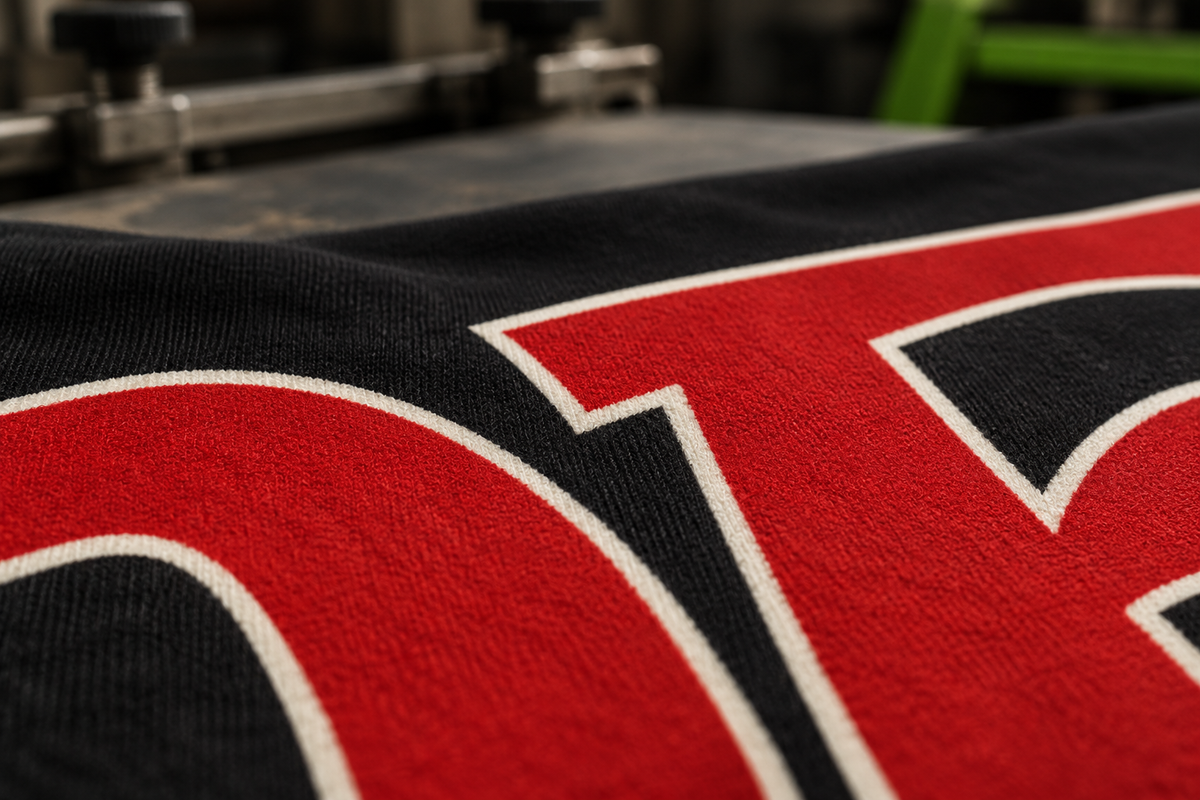
A thin white outline around a red logo leaves little room for error. A slight shift makes the border uneven; a patchy layer of ink changes the red. Details like these show how much care went into a print. Here’s how we manage them from press setup through the finished order.
Get the colors lined up on press
Your approved digital mockup guides the design and placement. On press, each ink color has its own screen, and we align those screens so every part of the artwork lands where it belongs. That’s called registration. With a red logo and white outline, even a small shift can make the border look uneven or close up the space inside a letter. Our production team checks test prints at actual size and adjusts the setup before the run begins.
Smooth and consistent printing
Once the colors are aligned, the goal is a smooth, even layer of ink that gives the design solid coverage without unnecessary thickness. We watch for patchy areas, rough texture and changes in how the print looks or feels as production continues. Curing needs the same attention. During longer runs, we use an infrared temperature gun to check print temperatures and monitor consistency through the dryer. Those temperature checks help us keep the curing process on track throughout the run.
Quality control
Before the order is packed, we check print placement against the approved digital mockup and inspect shirts from the beginning, middle and end of the run for consistent color, alignment and feel. The white outline should stay even, and the red should match from shirt to shirt. We also look for stray ink, smudges and other visible defects so pieces that need attention can be addressed before they leave the shop.
Retail-quality printing means the care put into the artwork carries through to the shirts people receive. Whether the order is headed to a store shelf, a team or a company event, each piece should be something you’re proud to put your name on.
If you’re planning a screen-printed apparel order, upload your artwork using the Get a Quote button.